-
Living in IDEs
Mostly driving from within IDEs
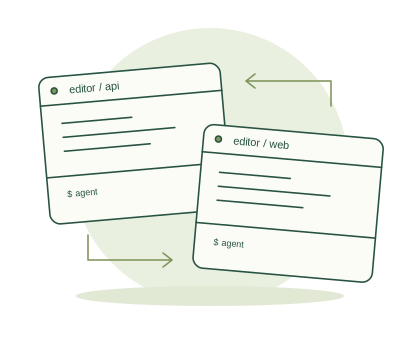
One IDE per repo was normal. Agents already worked 'covertly' across repos, but coordinating branches, windows and running apps was still our job.
IDE agents often hesitated to edit files outside the open project, so I usually fell back to the terminal.
Agents already wrote most of my code, and still do. As DHH later put it:
pencils down
. Keeping track of the work was still manual. -
Discovering worktrees
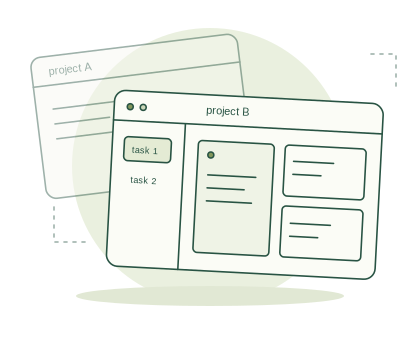
Worktree per conversation
I spent a few weeks improving Weeks, my Ruby on Rails app.
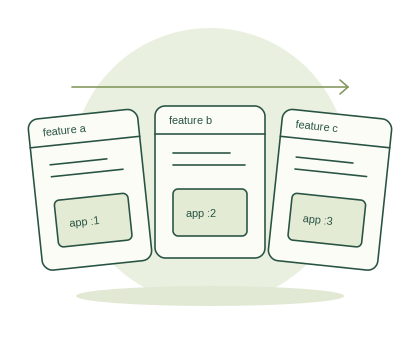
I started it in 2024, and it still fit in one repo. With Claude Code and Codex, each conversation got its own worktree: a separate checkout running the full app with a web server, seeded database and Redis.
I could experiment, test in the browser and open a PR, or drop the idea and archive the thread while other conversations kept running. No branch switching, no manual setup. Mobile access let me check in away from my desk.
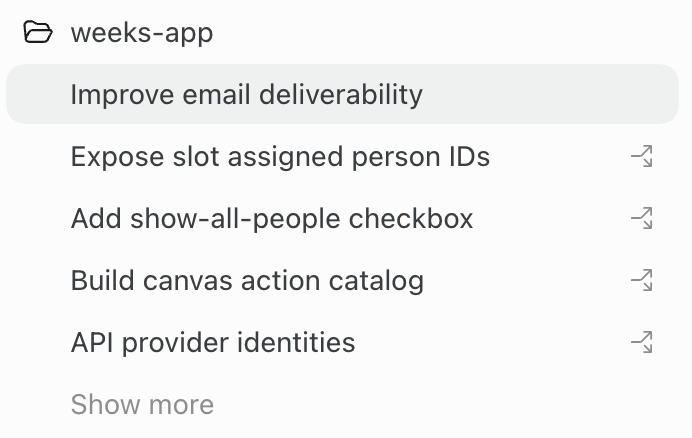
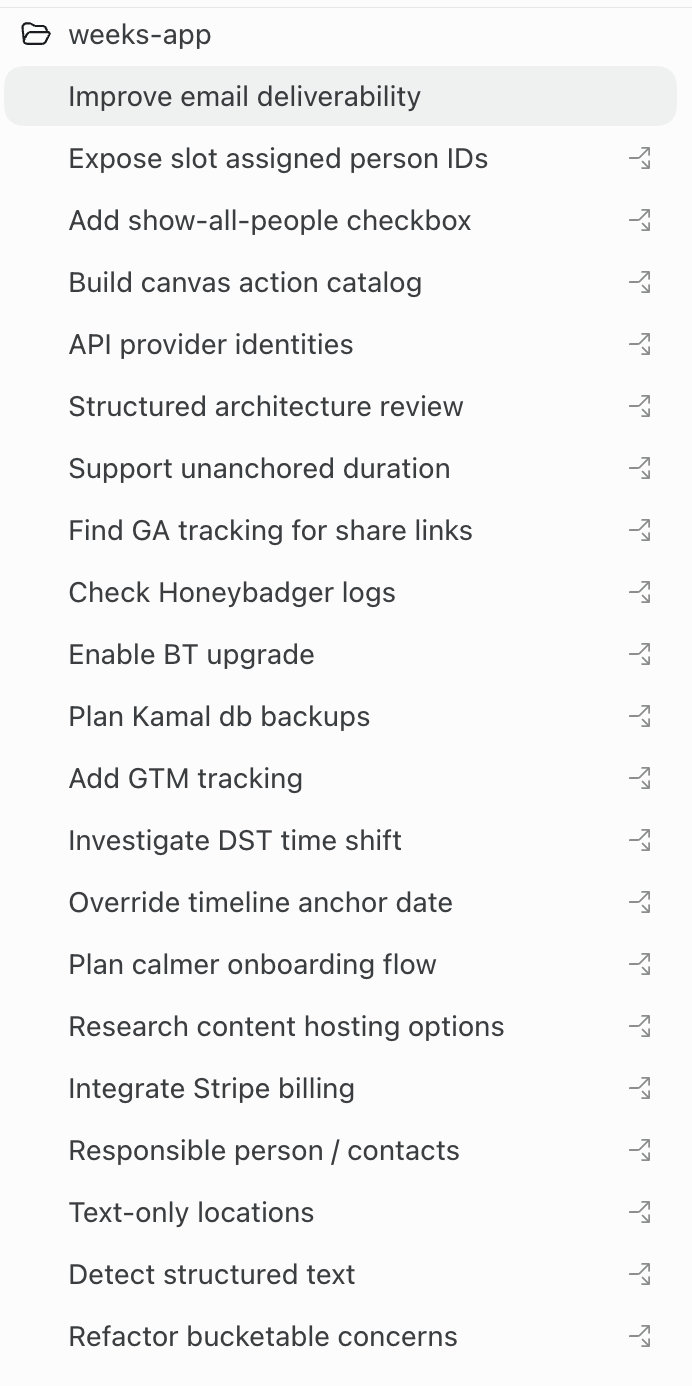
I defined setup, run and cleanup actions in Codex’s environment.toml
# THIS IS AUTOGENERATED. DO NOT EDIT MANUALLY version = 1 name = "weeks-app" [setup] script = "mise trust mise.toml && mise install && eval \"$(mise hook-env -s bash)\" && WORKTREE_BOOTSTRAP_UNDER_MISE=1 ruby bin/worktree-bootstrap" [[actions]] name = "Run" icon = "run" command = "bin/launch" [[actions]] name = "Cleanup" icon = "tool" command = "bin/worktree-cleanup --yes".Codex also helped open PRs and test each instance in its built-in browser.
-
Back to client work
Agents, multirepos and worktrees
I loved worktrees. How could I keep that flow when one task needed several repositories?
A frontend still needs its API, even in a separate repo. My other projects mixed stacks and IDEs across repos; agents could edit across them, but I had no obvious place to start a conversation.
Each agent also put worktrees somewhere else: Claude Code used
./.claude/worktrees/*, Codex used ~/.codex/worktrees/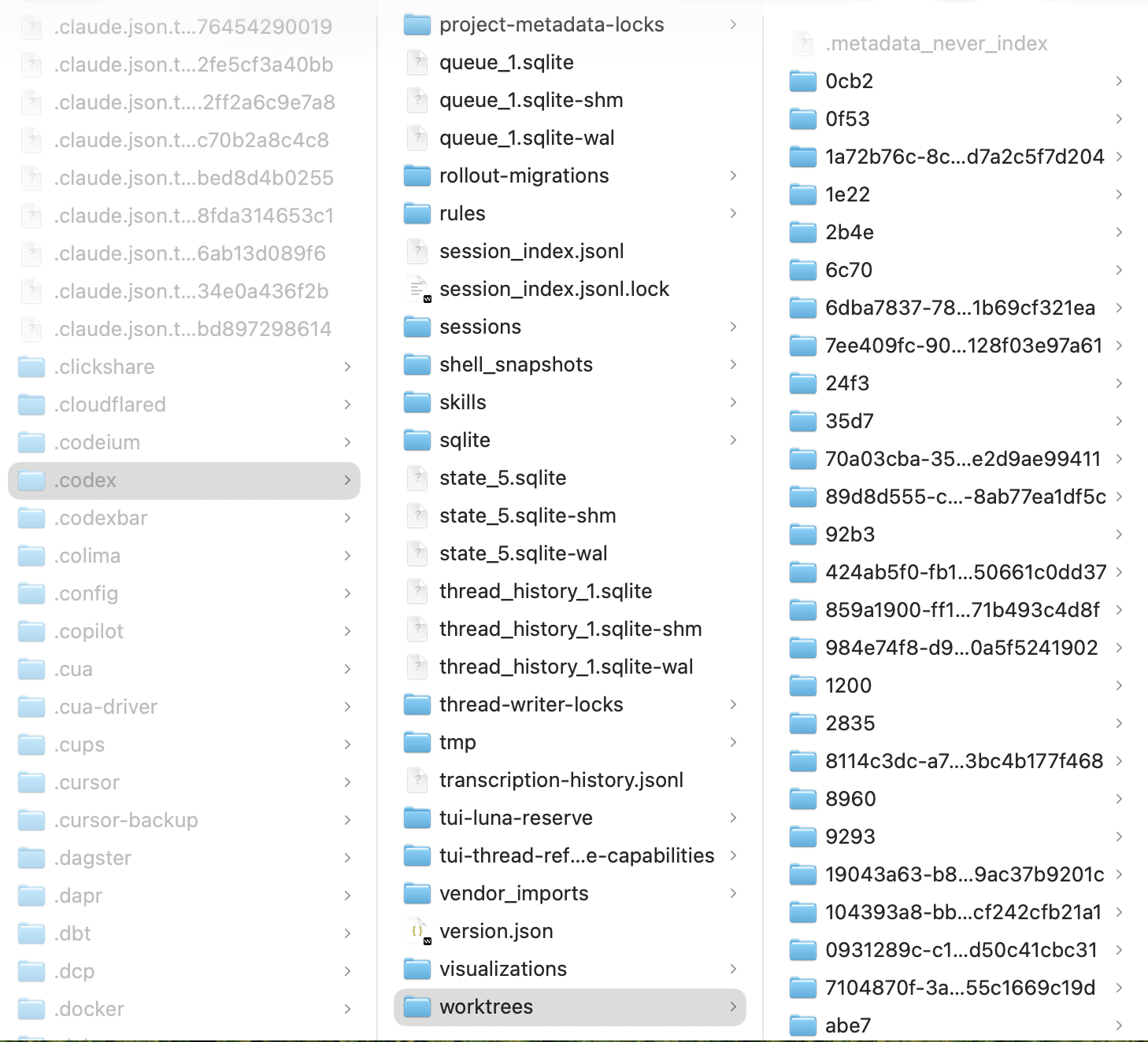 , and Cursor used
~/.cursor/worktrees/*. What if I nested other repos inside those worktrees, switched agents, or opened the same task in an IDE? -
Discovering bare repos
What if everything was a worktree?
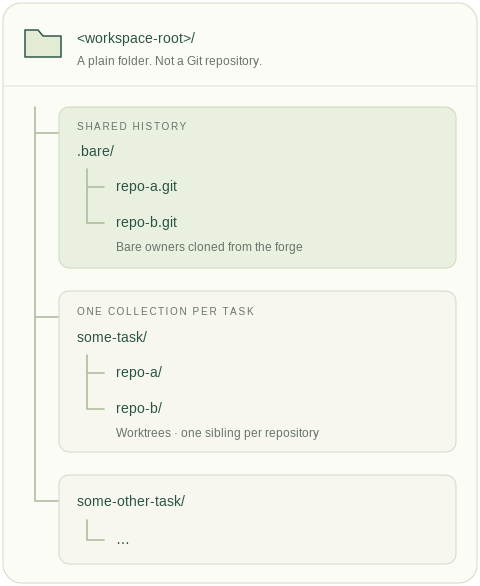
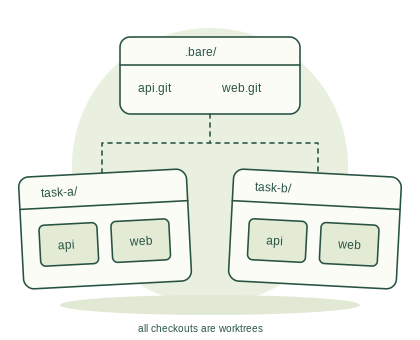
I switched to bare Git repositories, with no main checkouts.
A bare repository holds Git history with no checked-out files. I stored them in a shared
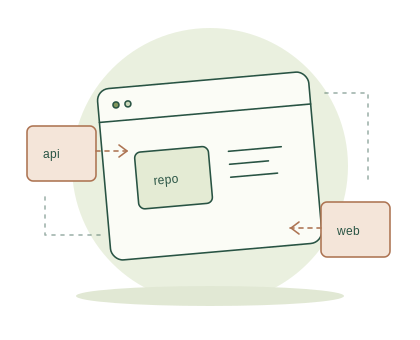
.bare/folder so every checkout belonged to a task.Each task got one folder with a worktree for every repo it needed: a worktree collection. That is still taba’s core idea: one task, one workspace, all its repos.
That applied
preemptive pluralization
Before you write any code — ask if you could ever possibly want multiple kinds of the thing you are coding. If yes, just do it. Now, not later.
— Preemptive Pluralization is (Probably) Not Evil to repositories: every task started with room for more than one. I could open the task folder in Claude Code, Codex or an IDE with every repo already there.I was still drowning in IDE windows, browser tabs and terminals.
-
Discovering Herdr
AI-chat first structure
Quick switching between tasks with conversation status always visible.
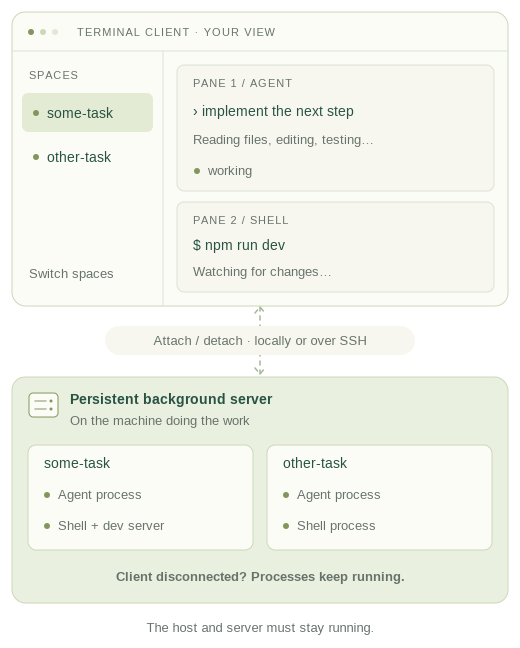
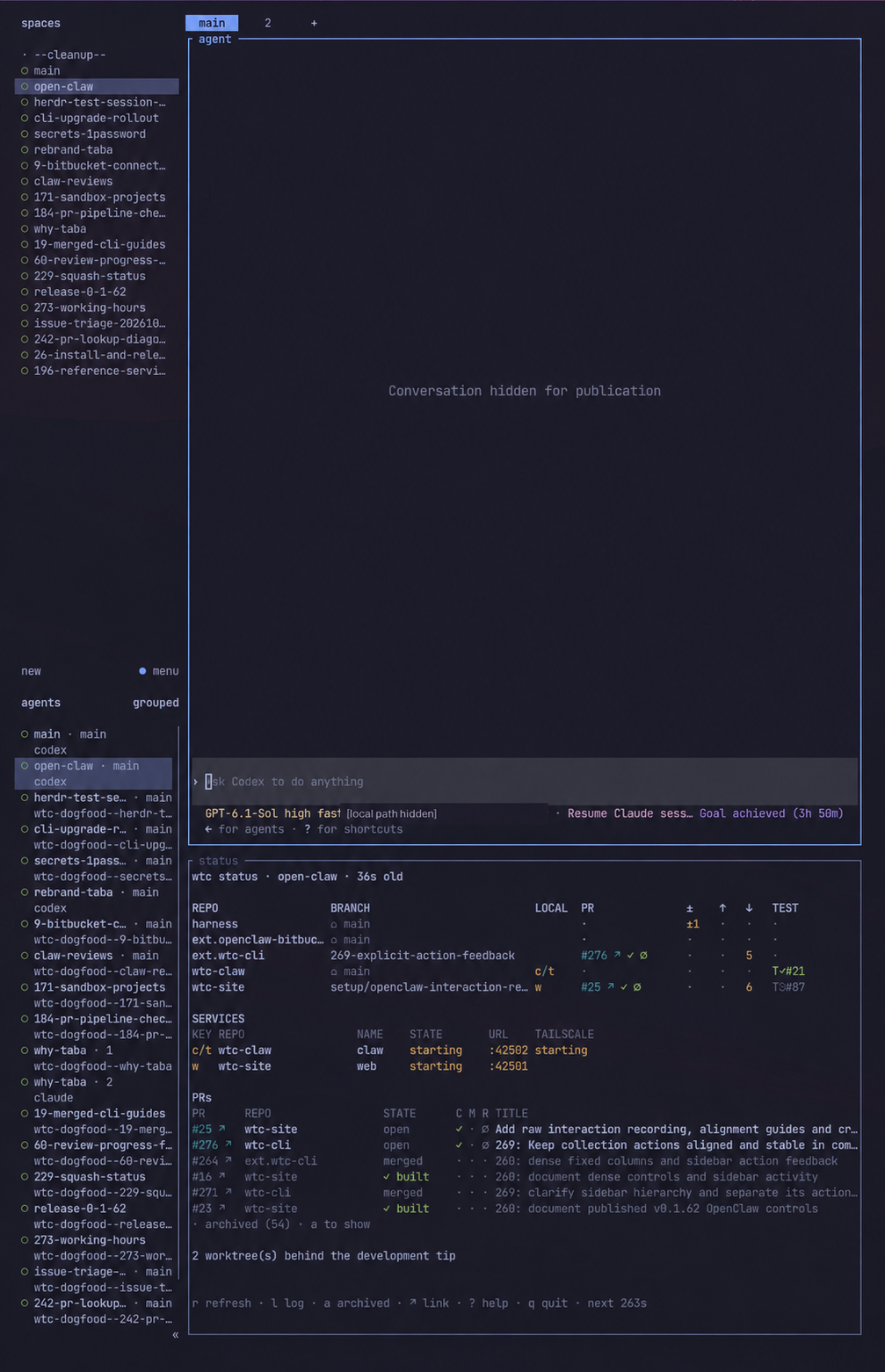
Herdr gave each worktree collection its own space, keeping its agents and their status in view. No more searching.
Processes ran on a background server, so closing the terminal left agents running. Reconnecting locally or over SSH from another machine restored every conversation.
 Click to see the real workspace
Herdr’s scripting let my
wtc-*skills create or retire a collection and its space together. Those shared agent instructions defined which panes to open and how to hand over a task. -
Boilerplate
Setup kept repeating
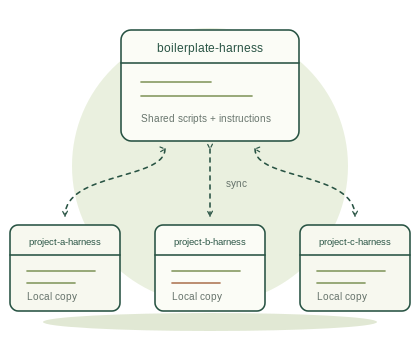
The same setup had spread to four projects, and most improvements belonged in all four.
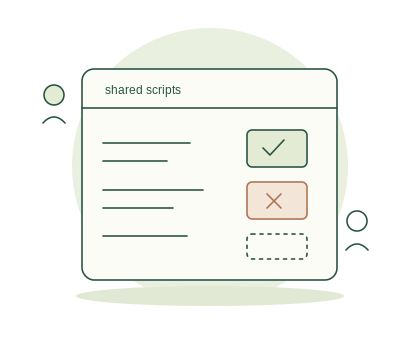
Each project kept its scripts and instructions in a harness repo, synced from a common boilerplate. Agents helped port changes, but every improvement still meant diffing the other copies and testing each sync.
By then, the scripts listed each task’s repos, branches and PRs, and shared skills let agents create, refresh, review and retire collections. Setup hooks prepared each repo’s environment, and generated port ranges let several tasks run at once.
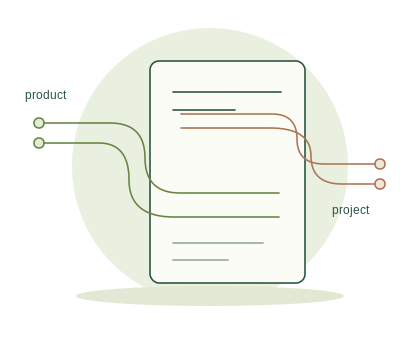
Config and secrets lived in a shared
.configfolder, one subfolder per repo, with worktrees linking to the same copy.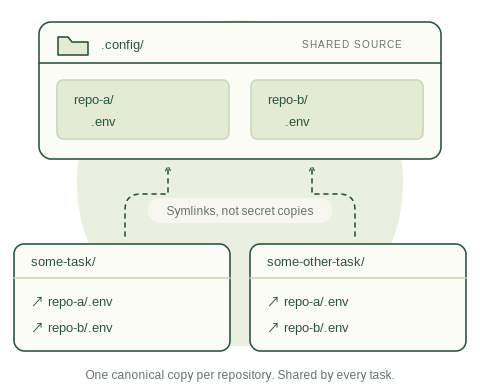
-
Switching to Omarchy
I needed more computers
Even a 64 GB laptop struggled with those environments. Sometimes it froze.
More parallel conversations meant more apps, databases and browser tabs running at once. The laptop became the bottleneck.
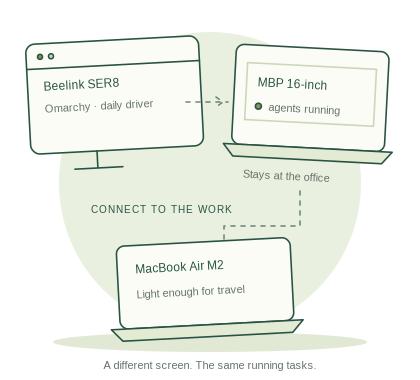
I bought a Beelink in 2025 to try Omarchy. Once Quattro came out, I started moving my daily work over. The MacBook Pro stayed at the office, and my MacBook Air ran Omarchy for travel; closing its lid left agents running on the other machines.
Herdr separated where I sat from where the agents ran, and Tailscale connected the machines so I could attach to the same spaces from home or on the road.
The Omarchy community’s enthusiasm for computers and agents helped me make the move. Credit where credit is due.
-
From Boilerplate to more
From boilerplate to a tool
More teammates relied on the agent harness. It needed tests and the stability of a proper tool.
I pulled improvements back from the projects and added tests and CI to the boilerplate, but it was still Bash scripts copied and edited per project.
Keeping copies in sync stayed painful. Even the status command drifted:
./harness/tools/wtc-status-tui.shin one project,wtc-status.sh --tuiin another. The shared code needed one home.Public record -
The CLI
Let’s build a CLI
I ported the scripts to the CLI, command by command.
Now I could test and release the shared behavior once and install the same version in each project. I updated the skills to call CLI commands, with thin Bash wrappers keeping the old commands working during the transition.
That split still holds: the CLI owns the shared code, while each project keeps its configuration and custom hooks. A project can start its databases and pick its agent without changing the shared code.
-
–Expanding to the web
Expanding to the web
Support needed the same agent help as developers. A terminal and a pile of repositories were too much to ask.
Every support question meant a developer copying it into an agent and bringing back the answer. We tried giving support a developer environment, but the terminal and the many repos were too much to manage.
Having used OpenClaw from its early days, I tried a shared web conversation so support could ask directly and bring a developer into the same session when needed.
A shared agent raised a new question: when two people share a conversation, whose account pushes the branch or opens the PR?
In the current setup, the agent prepares code and PR descriptions in a sandbox. The gateway holds personal credentials, identifies who is asking and publishes after that person confirms.
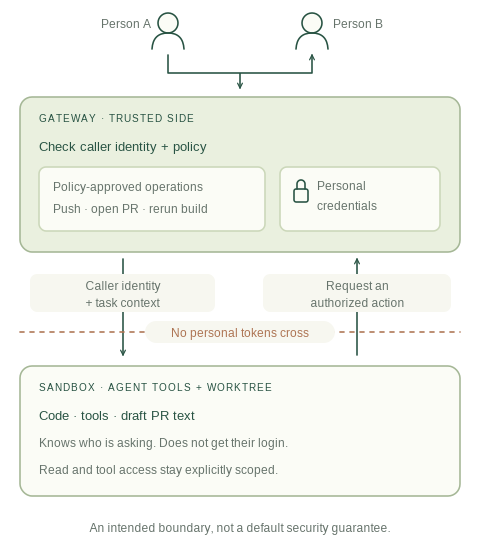
This requires explicit sandbox and gateway configuration. Picking a person’s credentials does not isolate their files or tools from other users, and a model agreeing to follow the rules is not a security boundary.
The goal is unchanged: let people work directly with agents and bring in a teammate when needed. Making that safe and useful is still in progress. The code is in the collection CLI, its OpenClaw plugin, the Bitbucket integration and the deployment boilerplate. The OpenClaw guide has the integration details.
Public record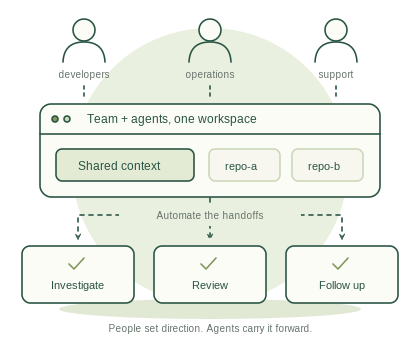
-
wtc is now taba
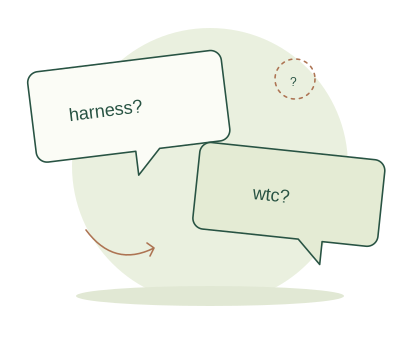
wtc what?
Ah, you mean the agent harness...
I called the setup repo the harness. People remembered that word; the name wtc didn’t stick.
A command still needs a name people remember. Taba gave it one, with commands like
taba openandtaba status, and the site soon moved fromwtc.shtotaba.sh.The rename is still in progress; the rename guide tracks command and configuration changes.
-
Looking aheadAgent identity
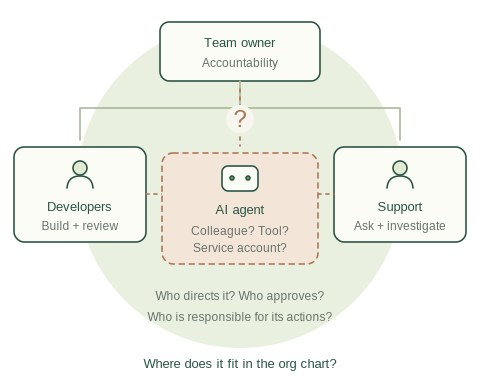
Where does the agent belong?
Securing a shared tool is one problem. Giving an agent a place in a team is another.
A gateway can identify who requested an action and whose account may carry it out. That still leaves what the agent is: a tool, a colleague, a service account, or something else.
A personal claw is very different from a team claw. Questions I still want to work through:
- What is the agent’s identity, and does it have real agency?
- Who does it report to, and who is responsible for its actions?
- Whose instructions can it follow in a shared conversation?
- How can it learn and develop its capabilities responsibly?
- How do we keep it useful while making its authority and access explicit?
- Which decisions can be agentic, and which need deterministic rules or human approval?
The solution will likely combine deterministic rules and agentic behaviour rather than letting one model own the whole process. Enforceable permissions are only a starting point, not an org chart. These are open questions, not something taba claims to have solved.
Why taba.
Taba gives each task one workspace across all its repositories. How it came about.
Try it on your next task.
Install the CLI—taba, with wtc alongside it—then let your agent set up your first collection.
Install with mise
mise use -g github:lcorneliussen/taba@0.2.0
taba --versionUse your own repo paths. The setup guide covers installation alternatives and the rest of the workflow.